Notifications
The Follow Up Boss notification bell gives you one place to see all notifications, including updates about your Expert Connections, so you never miss an important alert. Click the Bell icon in the upper right corner to see all your notifications in one view (only available on web).

Learn More: Notification Center on Desktop
Connection Stages
Smart Lists
Smart Lists automatically surface the leads who need attention right now — so you spend your time on conversations most likely to move forward rather than manually sorting your database.
Think of these as a layer on top of your core lists — they're built specifically to help you grow and manage your relationships over time.
Think of these as a layer on top of your core lists — they're built specifically to help you grow and manage your relationships over time.
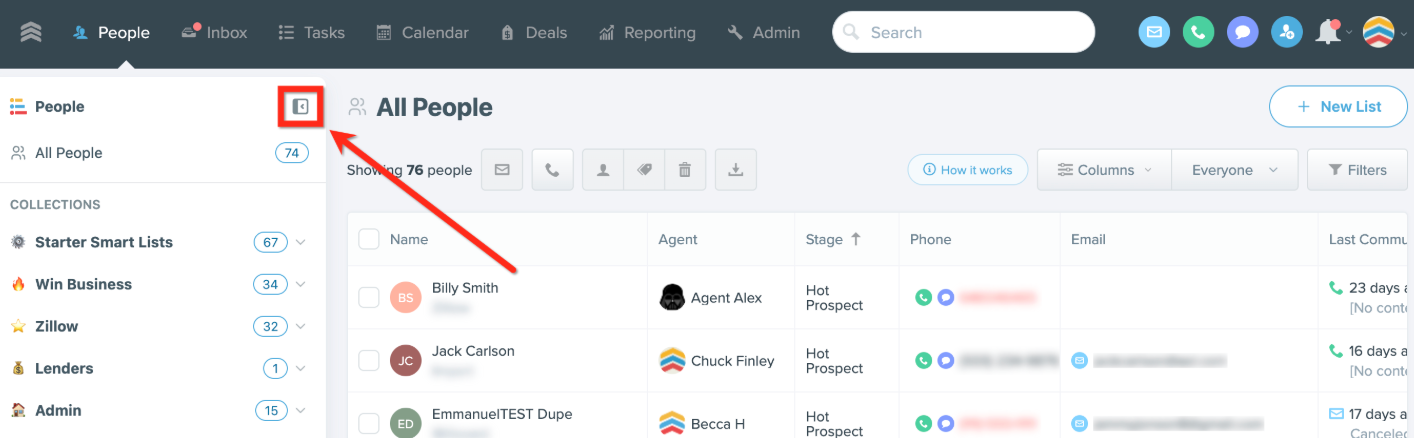
Explore the Smart Lists that are in your account and ready to use:
Note: Only the stages listed here will sync with your StreetEasy connections. Follow Up Boss includes additional preloaded stages that do not sync, so we recommend removing them to avoid confusion.
New Connections:
New — Leads created in the last 3 days who haven't been contacted in over 12 hours. Prioritize your freshest connections so you can reach out daily in the first 3 days, qualify them, and set an appointment. (Check in daily)
Unengaged — Leads between 4 and 30 days old who haven't been contacted in over 6 days. Surfaces new connections that have gone quiet so you can follow up weekly, re-engage, and move toward an appointment. (Check in daily)
Appointment Set — Leads with an appointment scheduled but not yet met. Reach out weekly to confirm the appointment and keep the lead warm with resources and listings. (Check in daily)
Active Clients:
Find the Home — Active buyers in the showing, offers, or agreement stages who haven't been contacted in over 5 days. Keeps you on a consistent cadence to guide clients through the search process, schedule showings, and prepare for offers. (Check in daily)
Win the Home — Leads currently under contract or with an offer out. Keeps you on top of active contracts so you can focus on preparing your client for a smooth closing. (Check in daily)
Clients to Nurture:
Potential Prospects — Leads older than 30 days in early contact stages who haven't been reached in over 6 days. Flags contacts that may be stalled so you can follow up, determine if they're a fit, and update their stage accordingly. (Check in weekly)
Nurture — Leads in the Nurture stage who haven't been contacted in over 28 days. Ensures long-term leads get a monthly touchpoint to stay top of mind until they're ready to move forward. (Check in monthly)
Past Clients — Closed clients who haven't heard from you in over 90 days. Check in quarterly to maintain the relationship and generate referrals and repeat business. (Check in monthly)
Automations
Automations let you automatically trigger actions — like sending emails, changing stages, or creating tasks — based on lead behavior or key events, so nothing falls through the cracks.
The automations library is a central hubs where you can browse, preview, and add prebuilt workflows from Follow Up Boss and the community directly into your account to customize and activate.
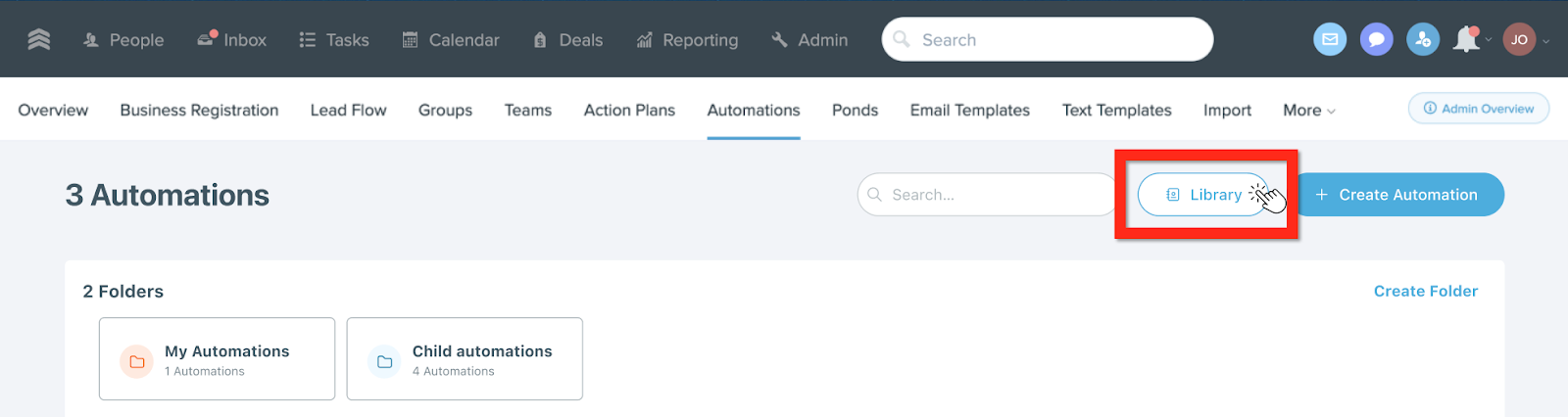
Explore the Automations that are in your account and ready to use:
New Experts Connections (goal: set an appointment)
Day 2 — If a new lead is still in early stages after 1 day, you get a task reminding you to follow up via text or email.
Day 3 — If you've only called less than twice in the first three days, you get a notification nudging you to call again immediately.
Day 7 — If no appointment is set after 7 days and you've made fewer than 4 calls, you're reminded to reach out by any channel.
Day 28 — If it's been 21+ days since you last contacted the lead and still no appointment, you get a reminder to reconnect and focus on learning their timeline.
Status Audits (goal: keep stages accurate)
Day 7 — If a lead in Attempted Contact or Unresponsive has >3 minutes of talk time logged, the stage automatically updates to In Communication.
Day 30 — Same rule, applied again at 30 days — catches any leads that slipped through without a stage update.
Day 2 — If a new lead is still in early stages after 1 day, you get a task reminding you to follow up via text or email.
Day 3 — If you've only called less than twice in the first three days, you get a notification nudging you to call again immediately.
Day 7 — If no appointment is set after 7 days and you've made fewer than 4 calls, you're reminded to reach out by any channel.
Day 28 — If it's been 21+ days since you last contacted the lead and still no appointment, you get a reminder to reconnect and focus on learning their timeline.
Status Audits (goal: keep stages accurate)
Day 7 — If a lead in Attempted Contact or Unresponsive has >3 minutes of talk time logged, the stage automatically updates to In Communication.
Day 30 — Same rule, applied again at 30 days — catches any leads that slipped through without a stage update.
Tasks
Tasks tell you exactly what to do, when to do it, and for whom, so no lead ever falls off your radar.
Configure task notifications — tasks need both a date and a time set to trigger notifications
Create tasks for leads that needs action — include a name, type, assignee, date, and time to set a concrete follow-up reminder
Review your task queue regularly — Today, Overdue, and Future sections give you a clear daily to-do list
Create tasks for leads that needs action — include a name, type, assignee, date, and time to set a concrete follow-up reminder
Review your task queue regularly — Today, Overdue, and Future sections give you a clear daily to-do list

Learn More: Tasks Overview
Reporting
Reporting shows you what's moving, what's stalling, and where to focus next. Check out the full list of reports and functionality: Reporting Overview. A few key reports include:
Agent Activity Report: calls, emails, texts, and inaction metrics (like leads not contacted)
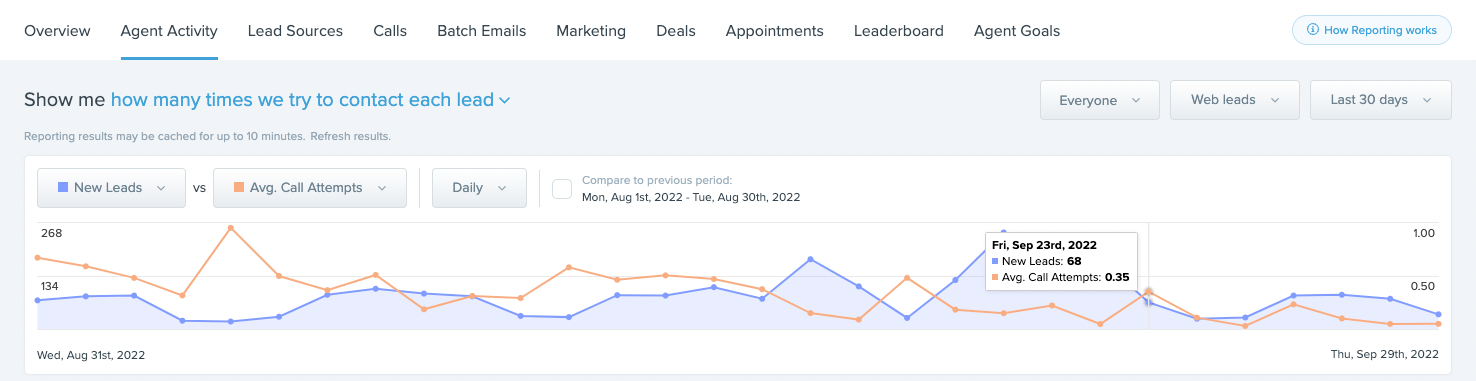
Agent Goal Report: commission, appointments, and conversations in one view; gives you a personal scorecard and gives you an anchor beyond activity volume.
Learn More: Reporting Overview