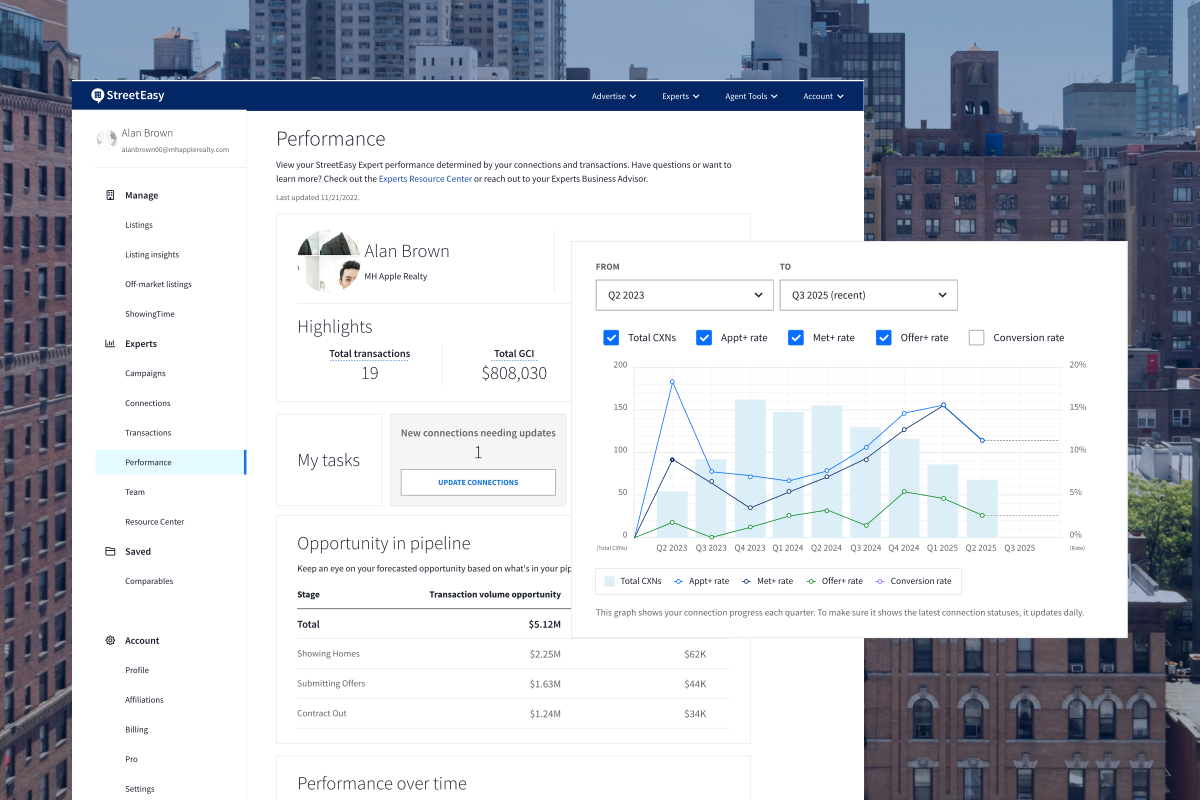

The StreetEasy® Experts program is changing the way NYC buyers connect with real estate agents, by offering a way for them to match with agents based on their particular area of expertise. To easily manage your connections, campaigns, and transactions and respond to leads on the go, Experts should be sure to use the Agent Tools mobile app for iOS or Android. Here’s how to make the most of the app’s integrated experience to maximize your success in the Experts program.
Getting started
Download the Agent Tools app for iOS or Android and sign into your StreetEasy agent account. On the home screen, agents will see an Experts tab, where you’ll be given a brief tutorial on using this part of the app.
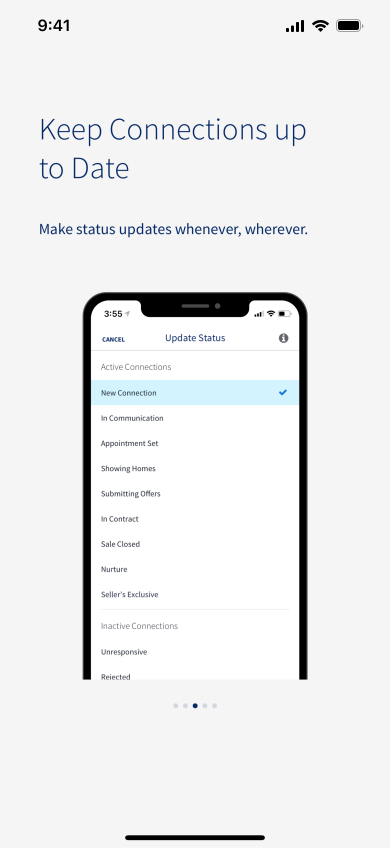
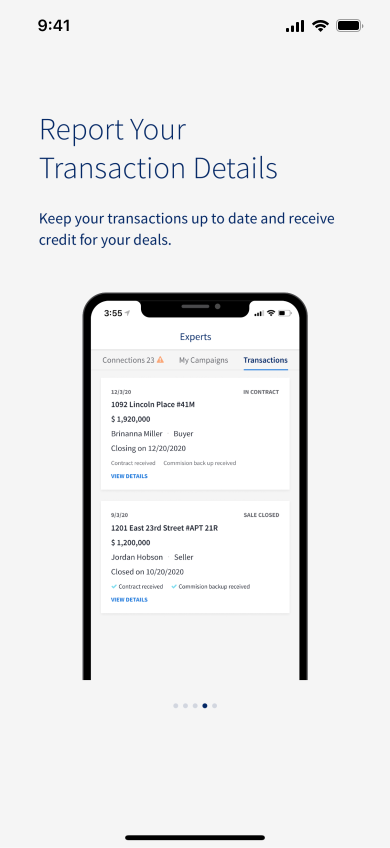
Screen images simulated
Opt in to receive push notifications
Opting into push notifications allows you to instantly see new inquiries from the Experts program and respond quickly while on the go. Enable push notifications within the Agent Tools app and in your phone’s notification settings.
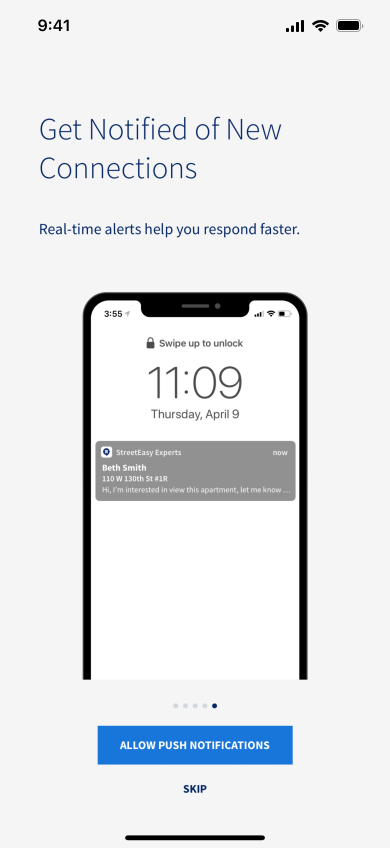
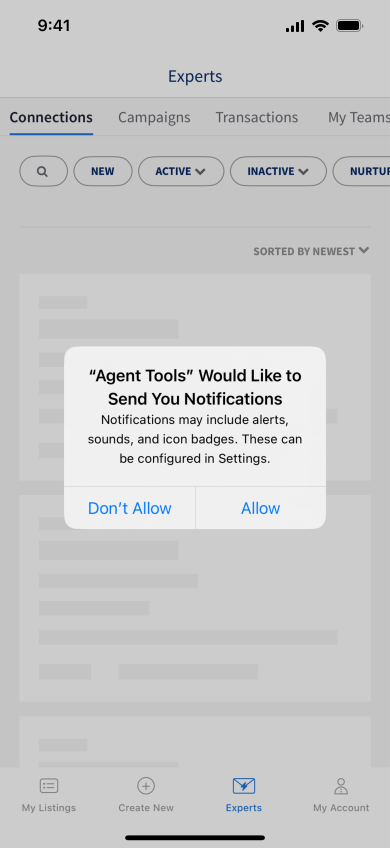
Screen images simulated
Respond to and manage your connections on the go
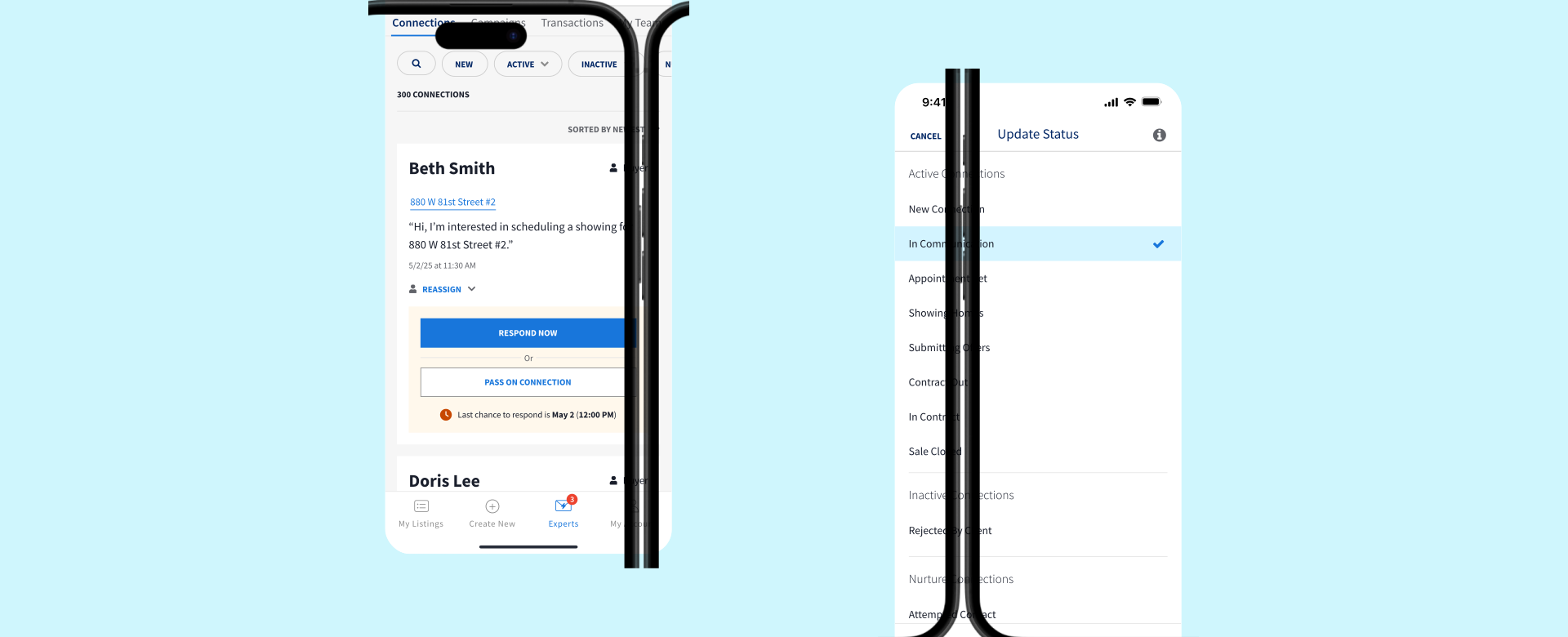
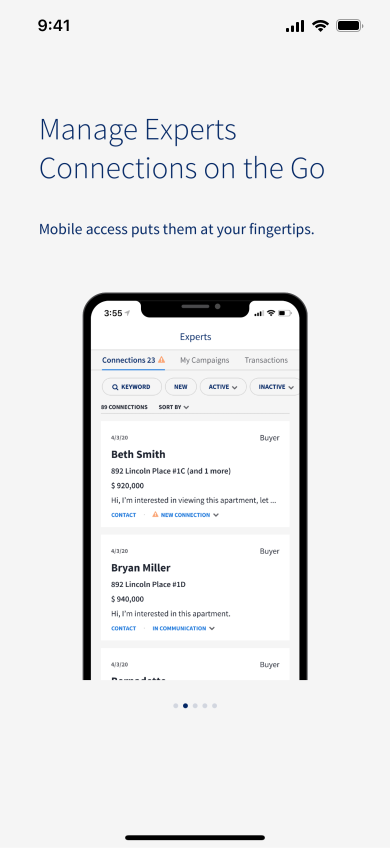
Once onboarding is complete, check out your Connections tab in the Experts section of the app. Here you’ll find inquiry details associated with each connection, along with a preview of their latest message and the ability to respond or pass on the connection right from the app. If you’re a Team Lead, you’ll also have the ability to reassign connections to team members.

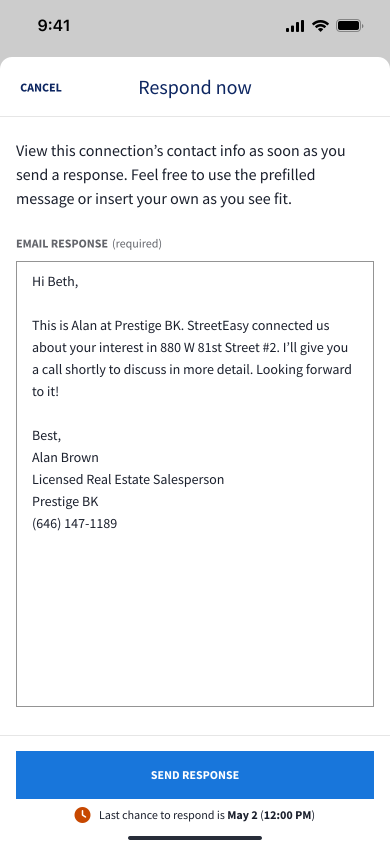
Screen images simulated
You can also use search, filters, and sorting to narrow down your list of connections or find a specific one, as well as reassign; contact by email, phone, or text; or update the status of your connections at any time. Tap on a connection to view their full Connection Details and take even more actions.
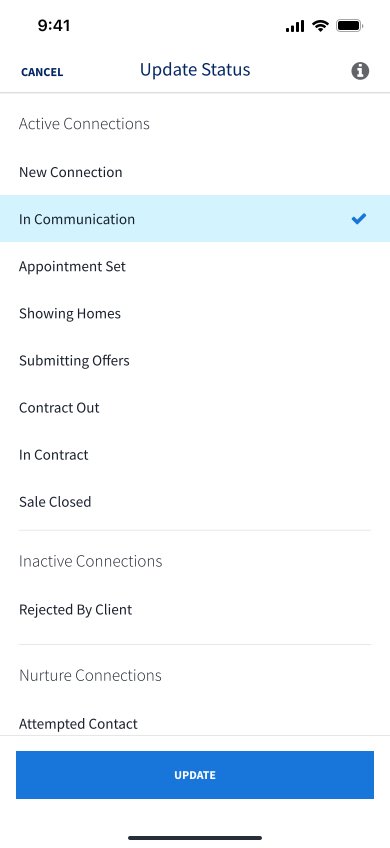
Screen images simulated
Manage your campaigns
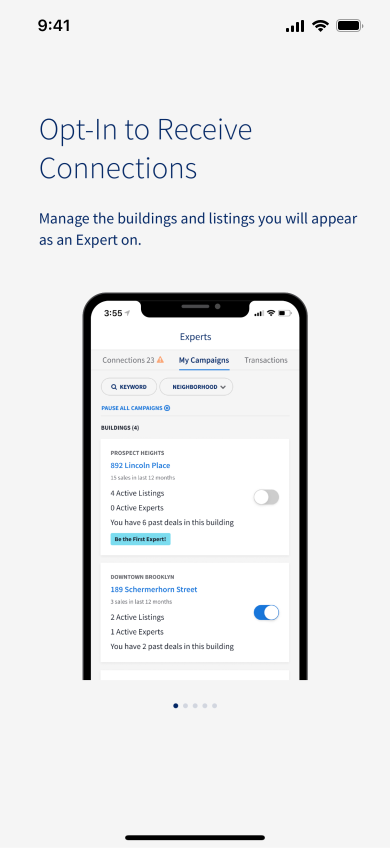
The Campaigns tab is where you can manage which segments and buildings you’re opted into for receiving connections. This is also where you’ll go to pause all of your leads, if needed.

Screen images simulated
Manage transactions
Go to the Transactions tab to view, edit, or delete your Experts transactions. Search and filter options make it easy to find a transaction based on status or keywords. You can also create a new transaction from the buyer’s or seller’s Connection Details page in the app.
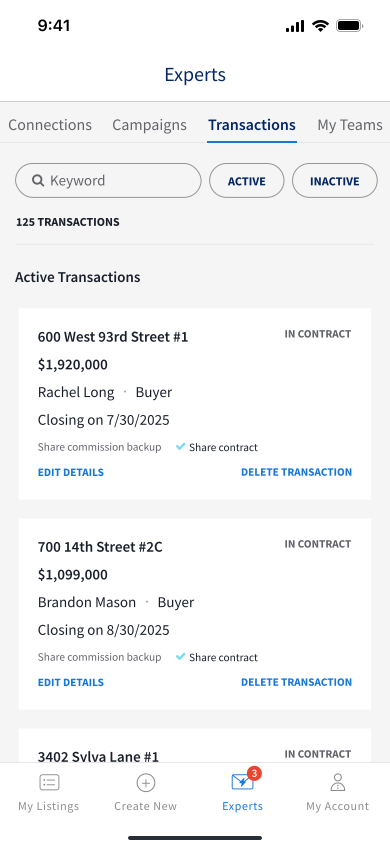
Screen images simulated
Download the StreetEasy Agent Tools mobile app for iOS or Android and start managing your Experts experience on the go.
Questions? Ask your Business Advisor or reach out to us at experts@streeteasy.com.